'/%3e%3cpath%20id='cross_2'%20data-name='cross%202'%20class='cls-2'%20d='M20.612,30.43h0a5.361,5.361,0,1,0-10.723,0H0A33.709,33.709,0,0,1,30.569,0V9.75a5.361,5.361,0,1,1,0,10.723V30.43Z'%20transform='translate(67.193%200.007)%20rotate(90)'/%3e%3cpath%20id='cross_3'%20data-name='cross%203'%20class='cls-3'%20d='M20.612,30.43h0a5.361,5.361,0,1,0-10.723,0H0A33.709,33.709,0,0,1,30.569,0V9.75a5.361,5.361,0,1,1,0,10.723V30.43Z'%20transform='translate(67.186%2067.041)%20rotate(180)'/%3e%3cpath%20id='cross_4'%20data-name='cross%204'%20class='cls-4'%20d='M20.6,30.5h0a5.361,5.361,0,1,0-10.723,0H0A33.71,33.71,0,0,1,30.56,0V9.818a5.361,5.361,0,1,1,0,10.723V30.5Z'%20transform='translate(0%2067.041)%20rotate(-90)'/%3e%3c/svg%3e)
Hi there. How can we help?
Find everything about setting up and using SetFN SpaceBuilder in one place.
Get Started with SpaceBuilder
Build your own online space on your PC. Learn how to set it up for the first time.
Manage Your Space
Learn how to configure and customize your space, and invite people to use it with you.
Use Your Workspace
Manage files and folders, and collaborate through comments, chat, and AI.
Build a Webspace
Learn how to connect visitor-facing screens with your content to build your own space.
Use Plugins
Learn how to extend your space with powerful features like calendar, email, and automation.
Get Your Questions Answered
Quickly check frequently asked questions about installation, security, licensing, and troubleshooting.
Latest security review
Reviewed 2026-10-24Pre-release security review rounds 1 to 3 and AI (Claude and Codex) cross-review: administrator two-factor authentication added, new-install password rules changed to length-based, mail and HTML editors replaced (TinyMCE removed), permission bypass and data isolation issues fixed, 61 library vulnerabilities fixed, 463 KISA notices cross-checkedView the review log and fix statusPopular features
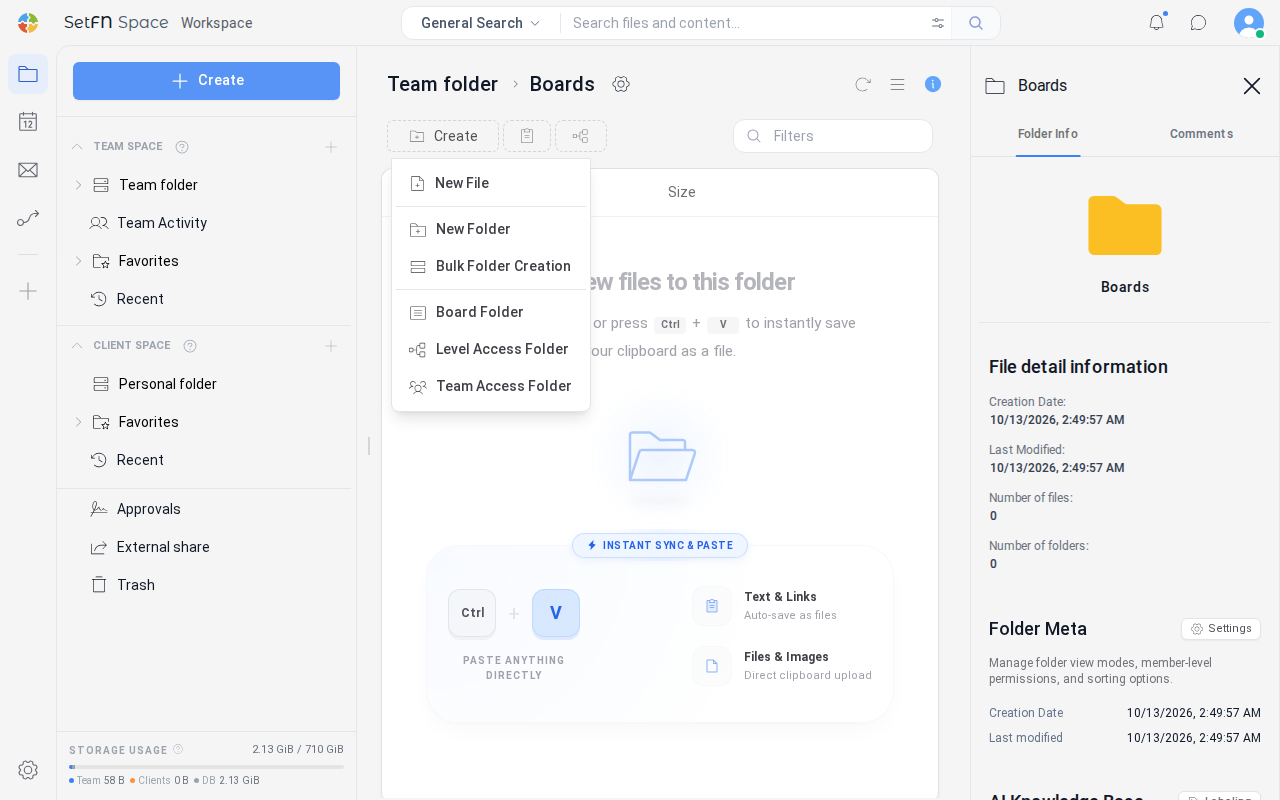
Using a Folder as a BoardLearn how to turn a team folder into a board in SetFN Workspace, publish posts, view them as a list, feed, or gallery, and edit or delete posts.
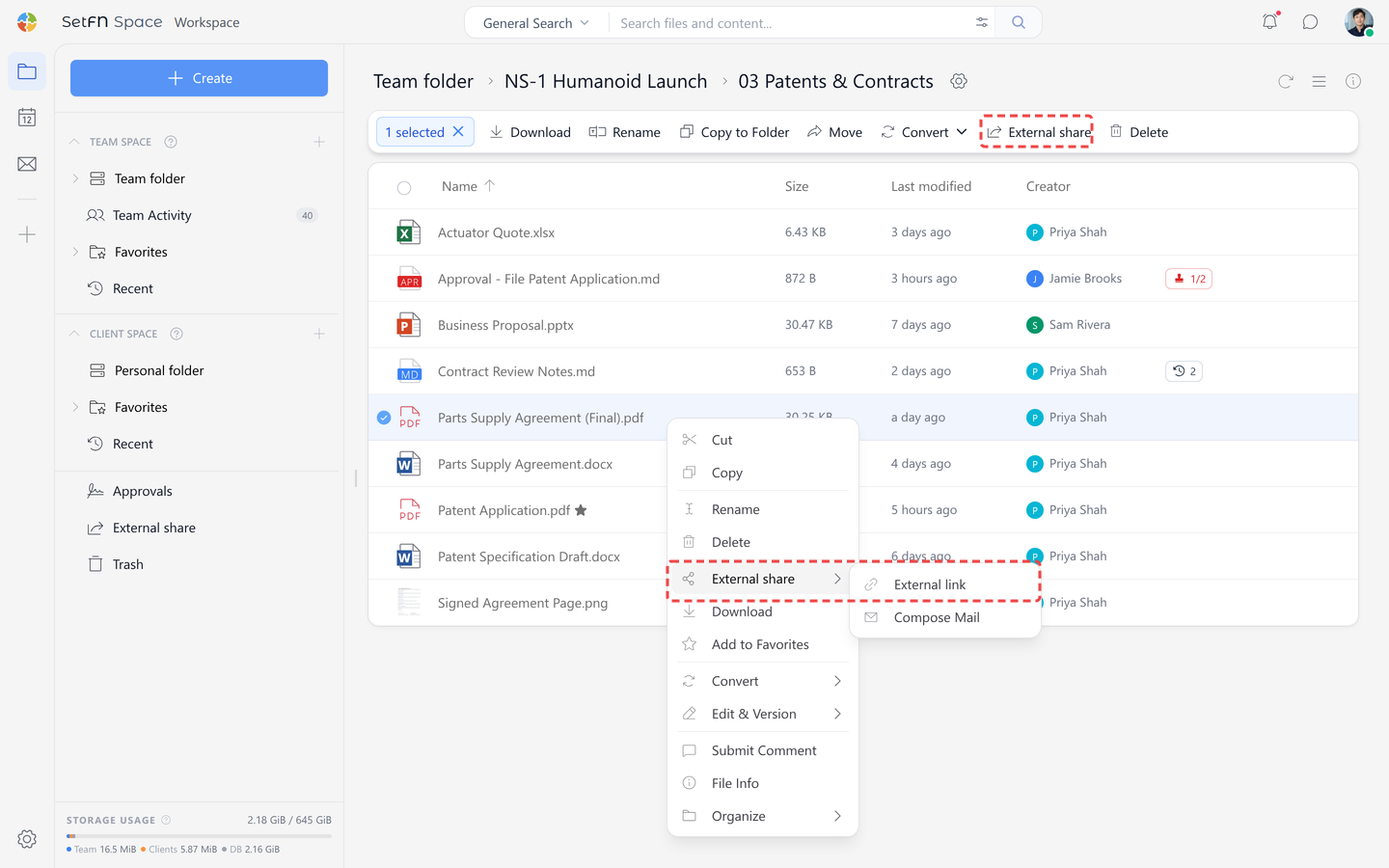
Creating an External Share LinkYou can create a download link to share a file in SetFN Workspace with external users.
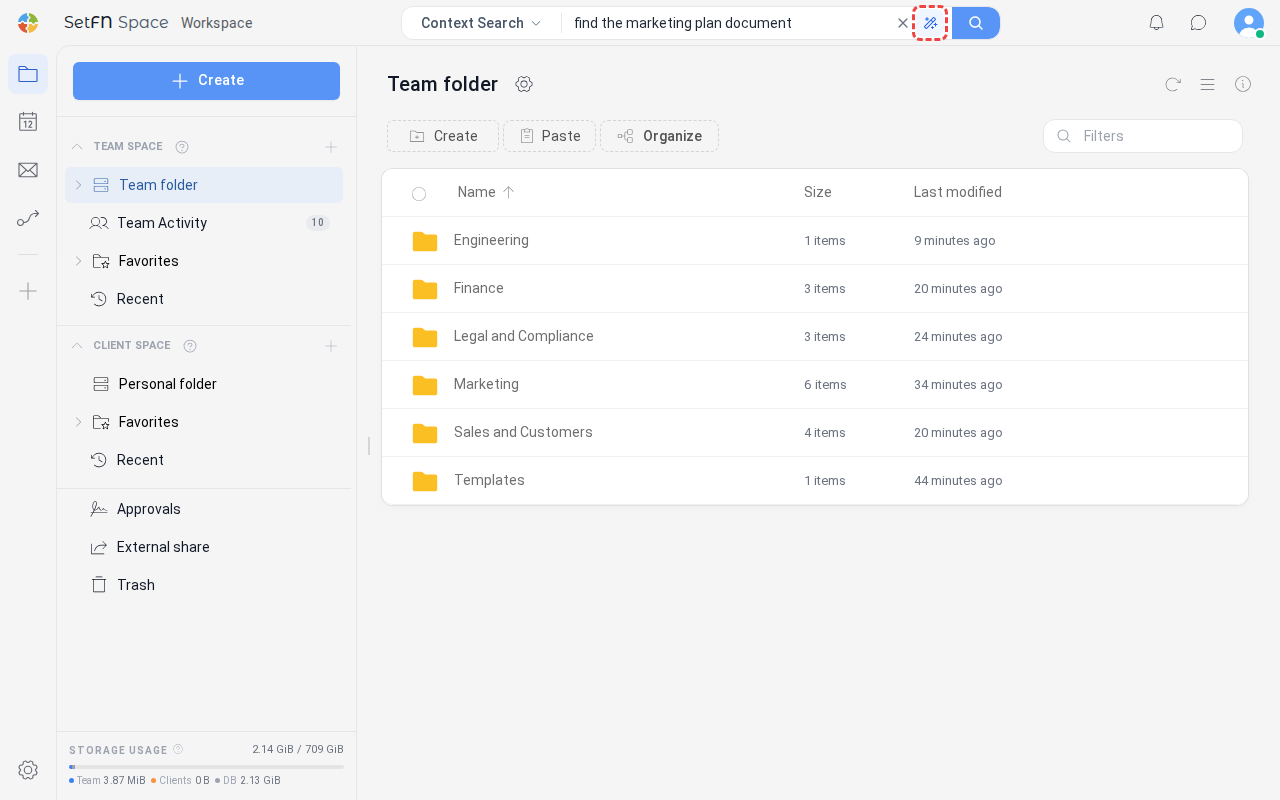
Context Search (AI Search)In SetFN Workspace, even without an exact keyword match, this finds related files by understanding meaning.
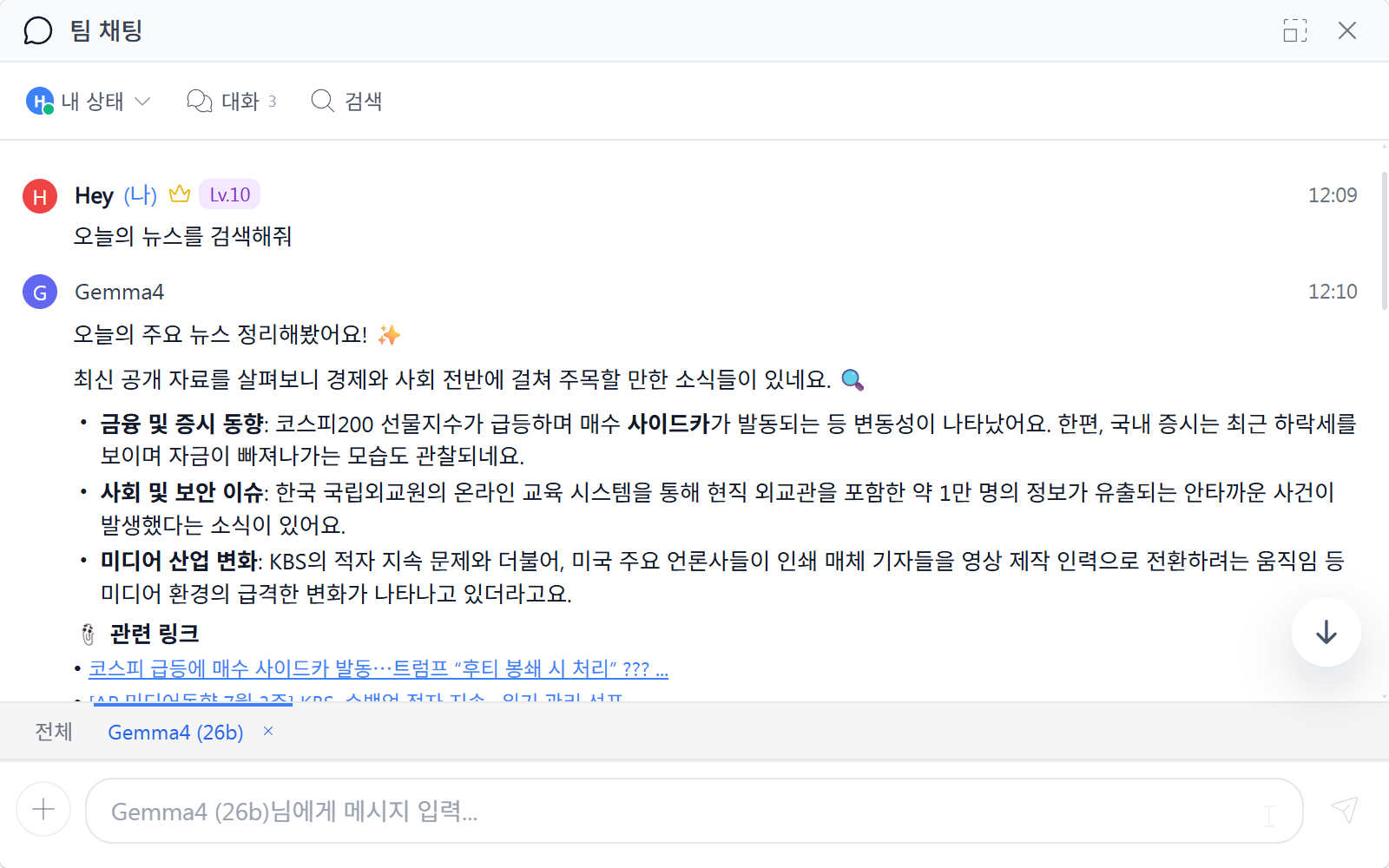
Requesting Work from the Local AIIn SetFN Workspace chat, you can directly ask AI to search, create schedule items, summarize work, and even draft emails.
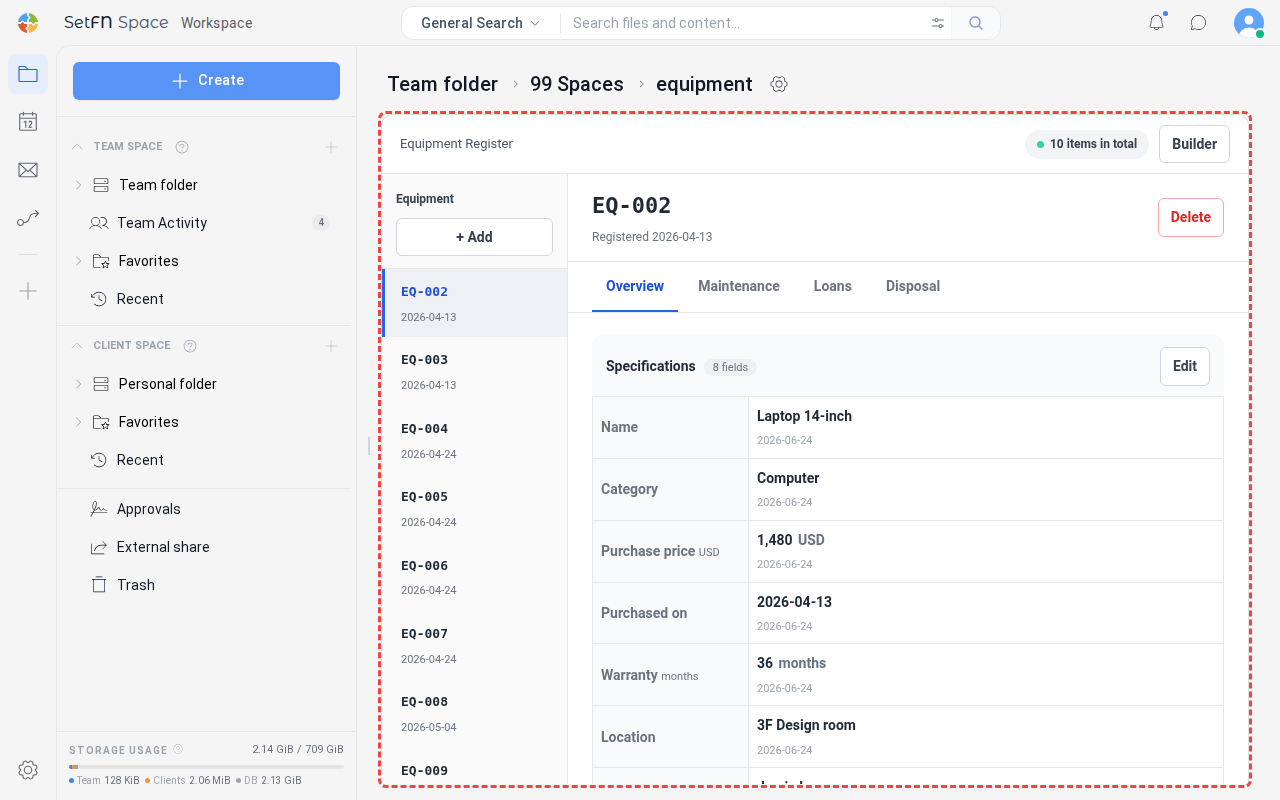
Building an Internal Team Web ServiceYou can open the database and screens you built in SetFN WebSpace with folder web view and use them as a web service — such as an ERP or groupware — for internal team use only.
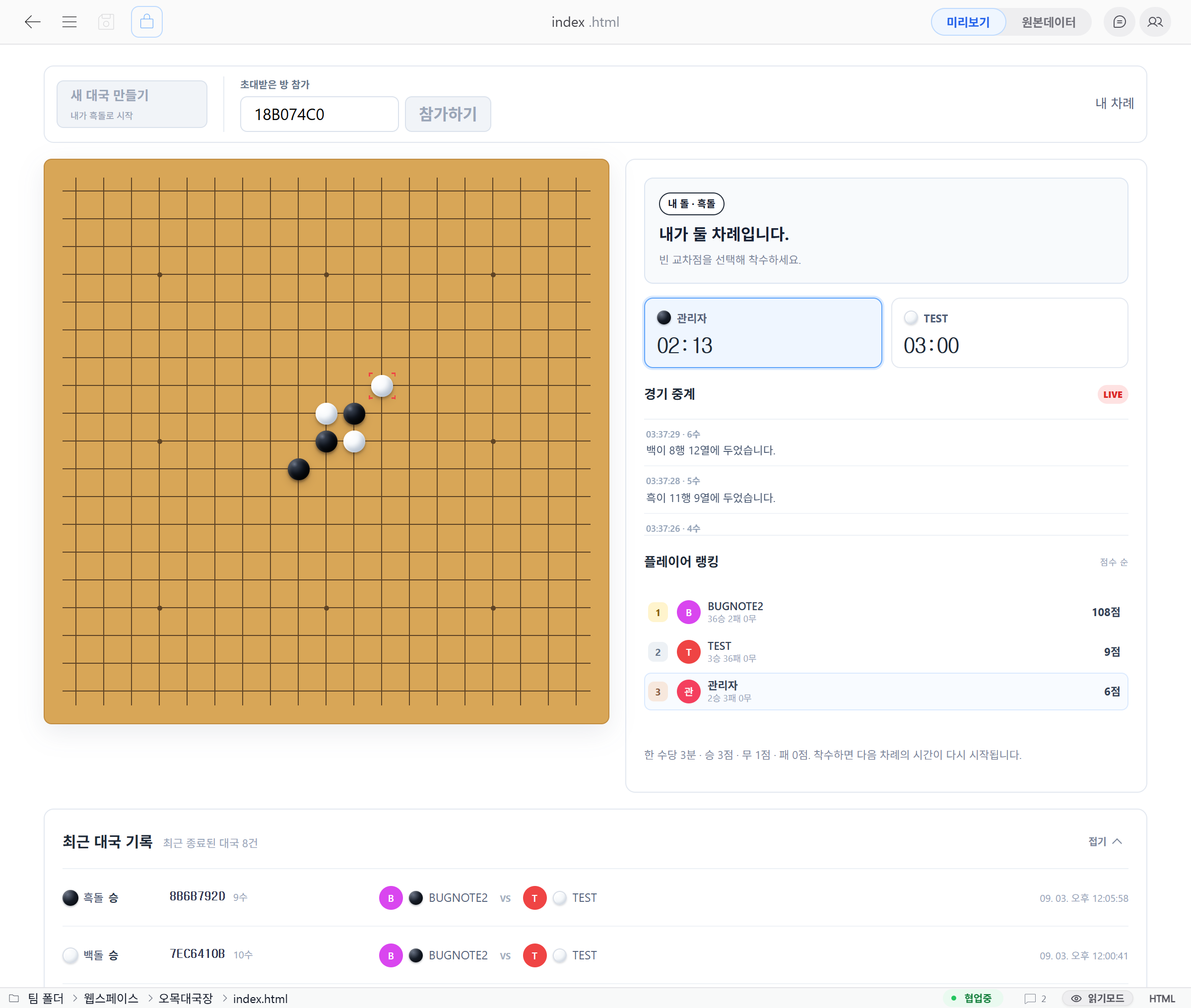
Build a real-time Gomoku gameDownload the Gomoku schema file (.sfn) and deploy it as an SQLite3 database, REST API, and WebSocket game backend.
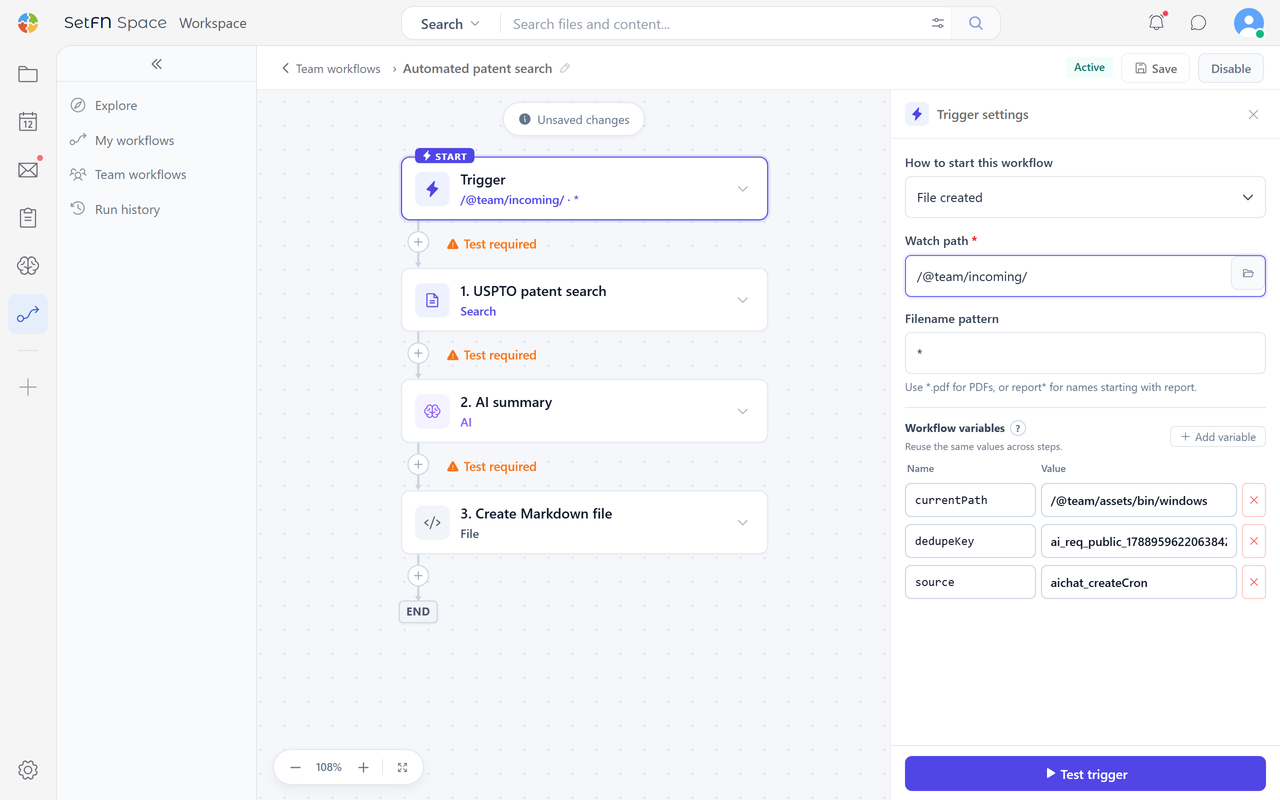
Creating a New WorkflowIn the SetFN plugin, you can create a new workflow to automatically connect file, email, search, AI, and notification tasks.