'/%3e%3cpath%20id='cross_2'%20data-name='cross%202'%20class='cls-2'%20d='M20.612,30.43h0a5.361,5.361,0,1,0-10.723,0H0A33.709,33.709,0,0,1,30.569,0V9.75a5.361,5.361,0,1,1,0,10.723V30.43Z'%20transform='translate(67.193%200.007)%20rotate(90)'/%3e%3cpath%20id='cross_3'%20data-name='cross%203'%20class='cls-3'%20d='M20.612,30.43h0a5.361,5.361,0,1,0-10.723,0H0A33.709,33.709,0,0,1,30.569,0V9.75a5.361,5.361,0,1,1,0,10.723V30.43Z'%20transform='translate(67.186%2067.041)%20rotate(180)'/%3e%3cpath%20id='cross_4'%20data-name='cross%204'%20class='cls-4'%20d='M20.6,30.5h0a5.361,5.361,0,1,0-10.723,0H0A33.71,33.71,0,0,1,30.56,0V9.818a5.361,5.361,0,1,1,0,10.723V30.5Z'%20transform='translate(0%2067.041)%20rotate(-90)'/%3e%3c/svg%3e)
Automatic Folder Organization
Folder Organization is a feature that automatically sorts files scattered in a folder into subfolders. You can also have AI suggest an organization structure.
Opening Folder Organization
Click the Organize Folder button above the file list.
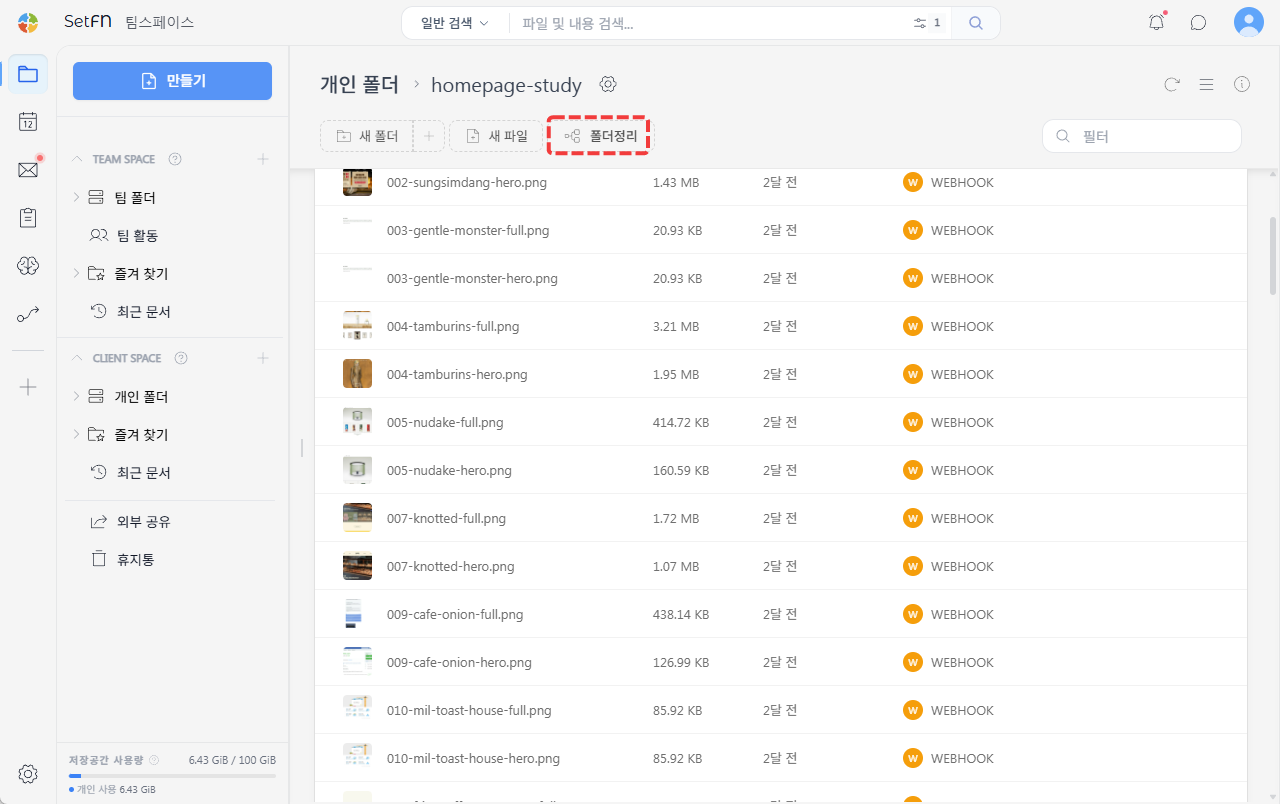
In the popup, select the Organize Files tab.
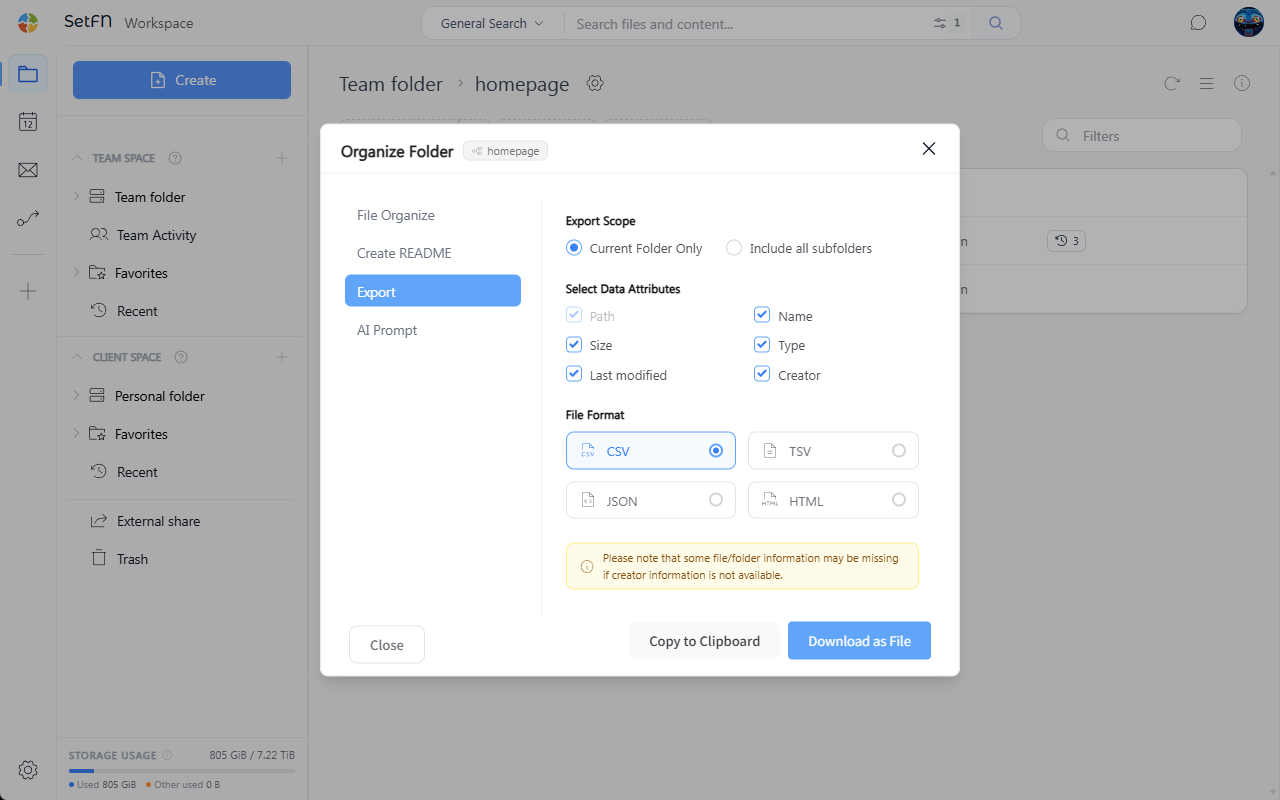
Choosing a Sorting Criterion
Choose the criterion for grouping files.
Modified date: Split files into folders by their last modified date.Type: Split files by kind, such as document, image, or video.Extension: Split files by extension, such as.pdfor.png.
Running the Organization
After selecting a criterion and running it, subfolders matching the criterion are created and files are moved into them.
Getting Organization Ideas via AI Prompt
When rule-based auto-sorting alone isn't enough, you can get help from an external AI. The AI Prompt tab in Organize Folder analyzes the folder's file list and automatically generates a prompt for organizing it.
- In the
AI Prompttab, select an organizing perspective (e.g.,By project). Copythe generated prompt.- Paste it into an external AI such as ChatGPT or Claude to get a suggested folder structure.
- Organize your folders based on the suggested structure.