'/%3e%3cpath%20id='cross_2'%20data-name='cross%202'%20class='cls-2'%20d='M20.612,30.43h0a5.361,5.361,0,1,0-10.723,0H0A33.709,33.709,0,0,1,30.569,0V9.75a5.361,5.361,0,1,1,0,10.723V30.43Z'%20transform='translate(67.193%200.007)%20rotate(90)'/%3e%3cpath%20id='cross_3'%20data-name='cross%203'%20class='cls-3'%20d='M20.612,30.43h0a5.361,5.361,0,1,0-10.723,0H0A33.709,33.709,0,0,1,30.569,0V9.75a5.361,5.361,0,1,1,0,10.723V30.43Z'%20transform='translate(67.186%2067.041)%20rotate(180)'/%3e%3cpath%20id='cross_4'%20data-name='cross%204'%20class='cls-4'%20d='M20.6,30.5h0a5.361,5.361,0,1,0-10.723,0H0A33.71,33.71,0,0,1,30.56,0V9.818a5.361,5.361,0,1,1,0,10.723V30.5Z'%20transform='translate(0%2067.041)%20rotate(-90)'/%3e%3c/svg%3e)
Review Operations & Audit Logs
The Operations & Audit administrator menu groups the existing access, activity and mail audit records. Administrator permission is required.
Access records are available on Free (Tier 0). Activity Logs and Mail Audit require a Community (Tier 1) license or higher. Restricted screens show the license notice without requesting audit data.
Opening Operations & Audit shows Access Logs first. The submenu order is Access Logs, Activity Logs, then Mail Audit.
Access Logs
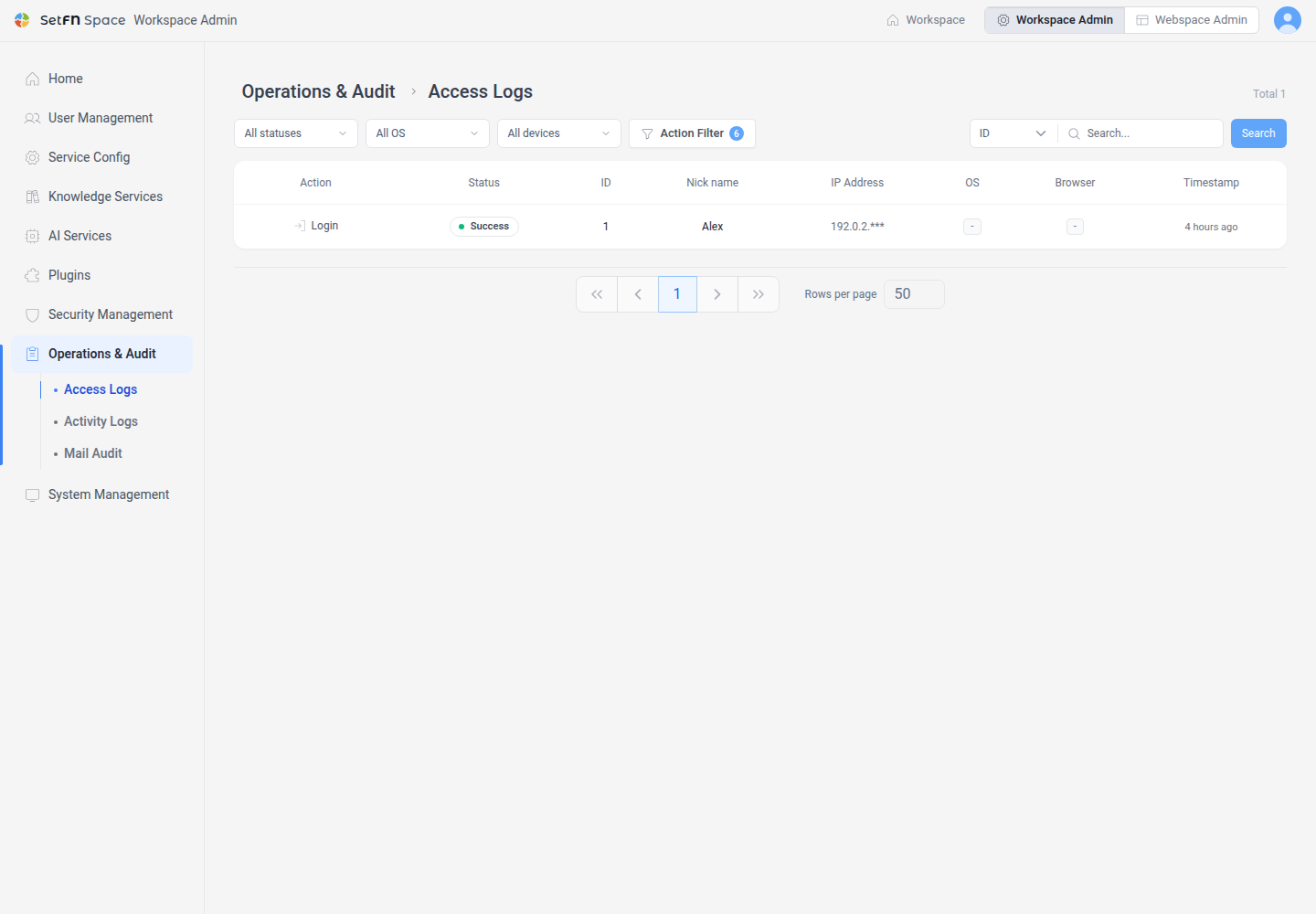
Open Operations & Audit > Access Logs to review successful and failed sign-ins and authentication activity. Filter by user, action, status or device.
Activity Logs
Open Operations & Audit > Activity Logs. Select the team, personal, mail or authentication area, then filter by date and user or action type.
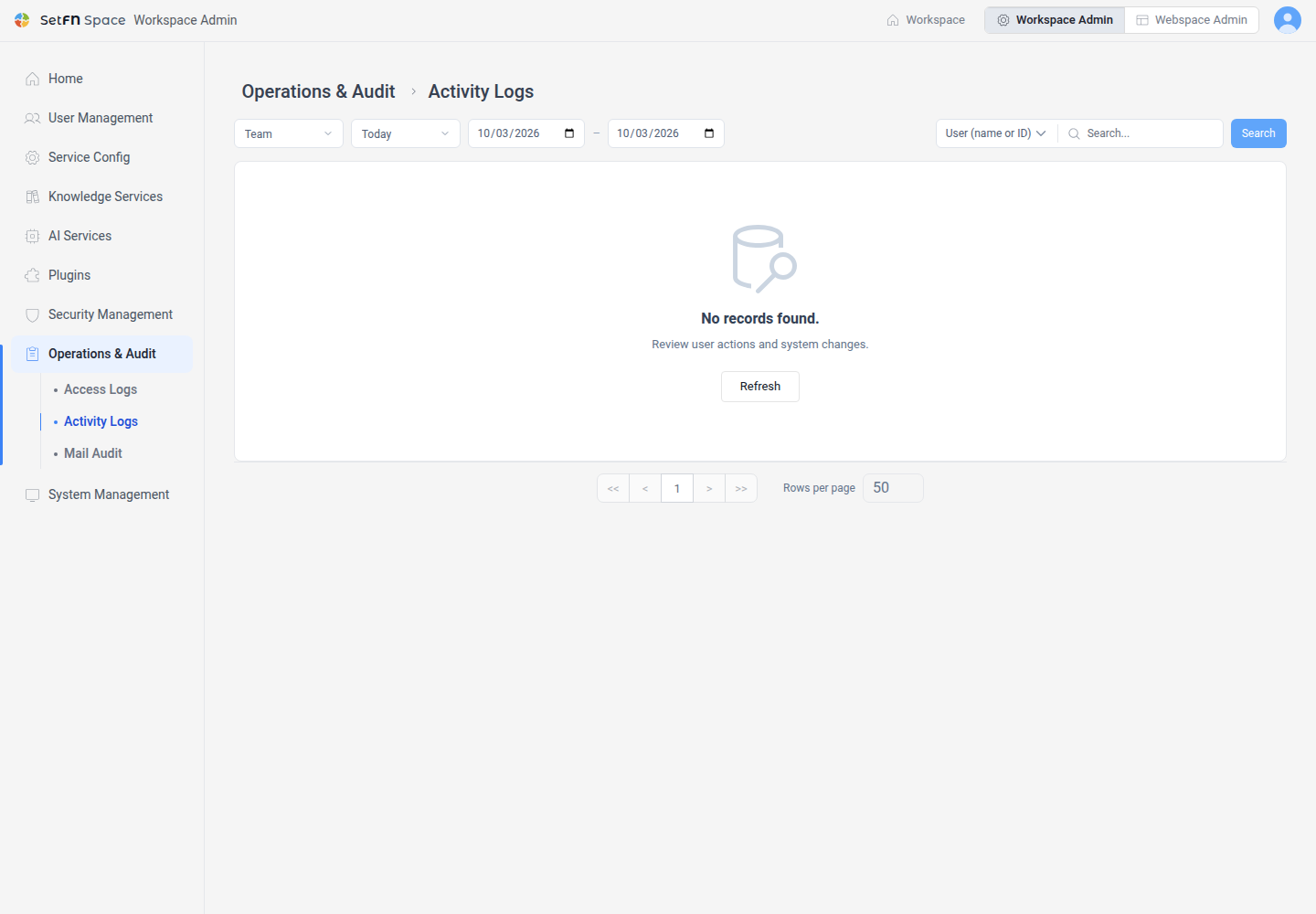
Viewing personal-space activity and reading file contents are separate actions. Moving this screen does not change existing file access permissions. Only recorded events are available; this screen does not guarantee that every action is recorded.
Mail Audit
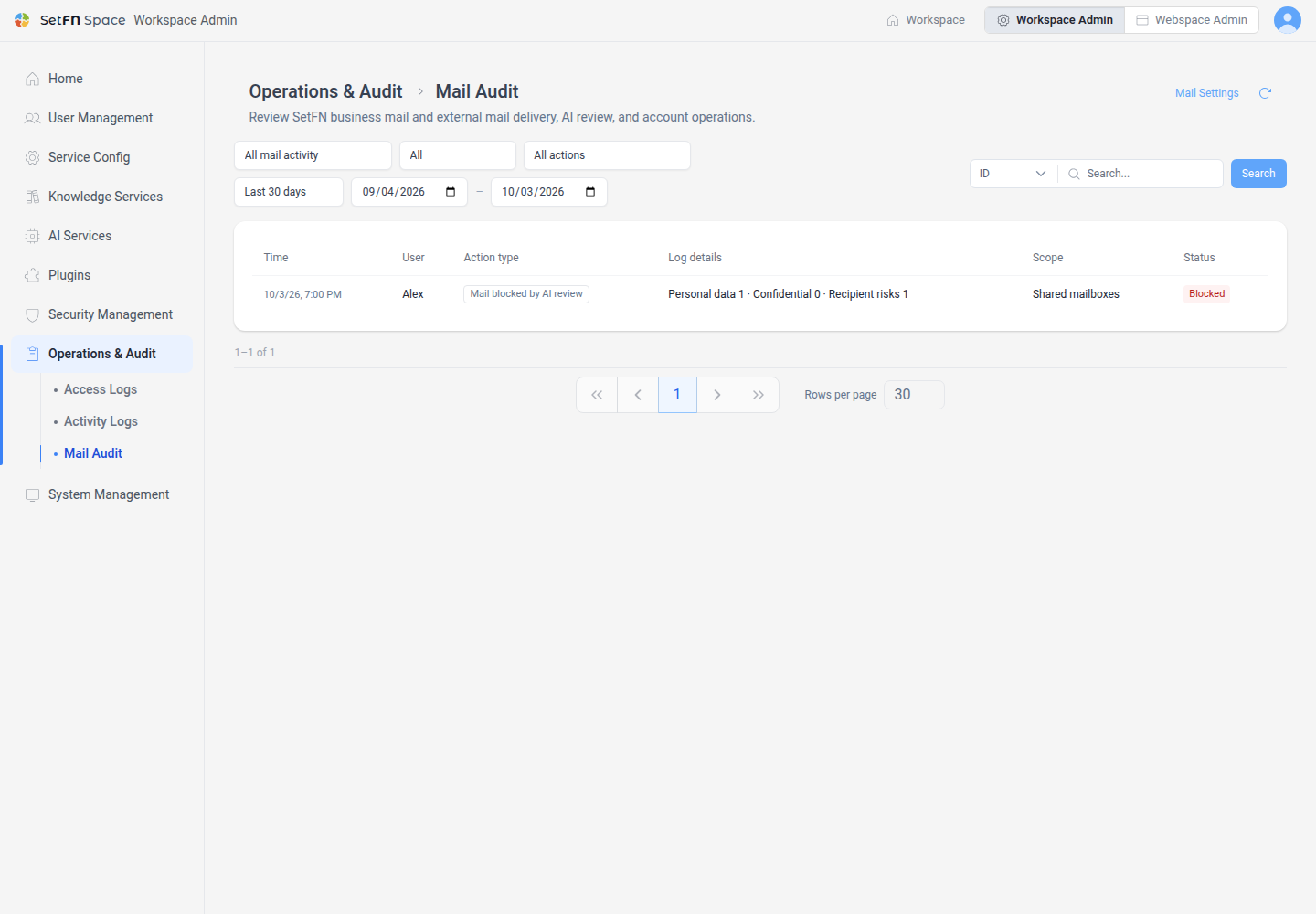
Open Operations & Audit > Mail Audit to review business and external mail sending, receiving, AI review results and account operations. Filter by record category, shared or personal mailbox scope, action and date.
Use the same search control as Access Logs: select ID for an exact numeric user ID or Nickname for a partial name match. The refresh button is at the top of the page. Dates and action badges use smaller text, and long record details are shown on up to two lines.
Mail Audit uses the same table layout as the other audit screens, showing time, user, action, details, scope and status. Choose AI Review & Blocking to view only send prechecks and receive AI summaries or risk decisions. When the saved record contains decision details, the table shows the outcome, personal-data, confidential-data and recipient-risk counts, and whether manager approval is required.
The shared pagination controls below the list provide first, previous, next and last page navigation and a choice of 10, 30, 50 or 100 rows per page. Changing the row count restarts the query from the first page.
Configure AI pre-send review and blocking thresholds under Service Config > Mail Settings. Use the mail audit link in Mail Settings to open the audit page.
Existing URLs and availability
/manages/users/auth-logsredirects to/manages/operations/auth. Search and pagination parameters are preserved./manages/security/audit-logsredirects to/manages/operations/activity.- This change groups existing audit screens. Dedicated auditor permissions, exports, retention settings and tamper protection have not been added.